
Pixel Drift explores the space between pixels and their connection to the analog world we live in, we invite you to come be part of that journey.
The core purpose of "Pixel Drift" is to probe the creative potential of limitations. What happens when a painter only has two colors to use? Or if ants only built horizontal tunnels?
You can interact with this exhibit by scanning a large QR code in the window, thereby accessing two distinct digital experiences. The first uses generative Al to build environments. The second experience encourages you to place physical objects into the digital space, symbolizing how small elements impact a larger whole.
The entire display is bound by a strict limit of 12,887,068 pixels, which are constantly randomized and recycled to manifest new objects. This digital ecosystem visualizes the beauty of constraints, ultimately exploring the endless opportunities that are all around us.
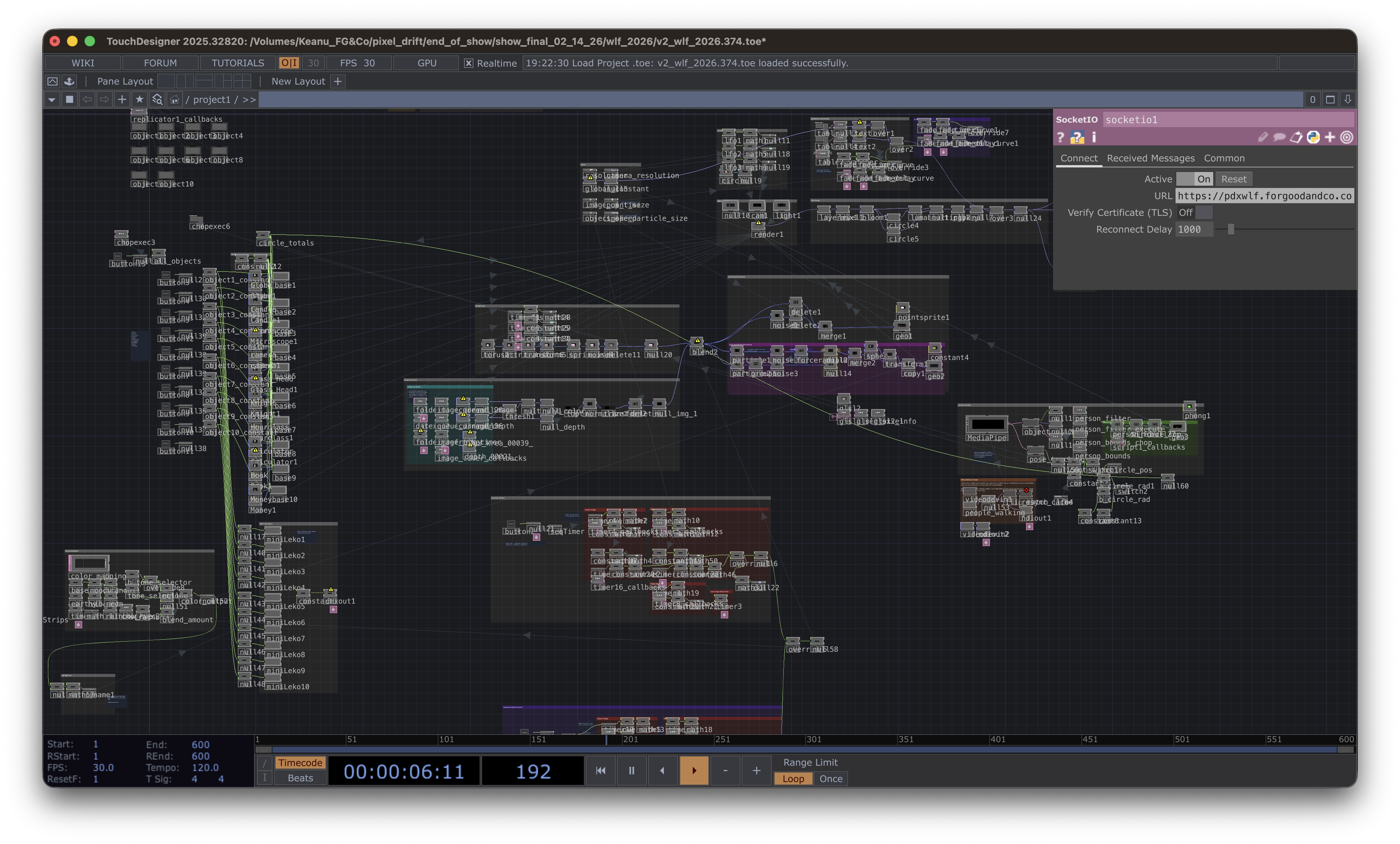
TouchDesigner was the cornerstone of this piece and was used to program the environments and their interaction.
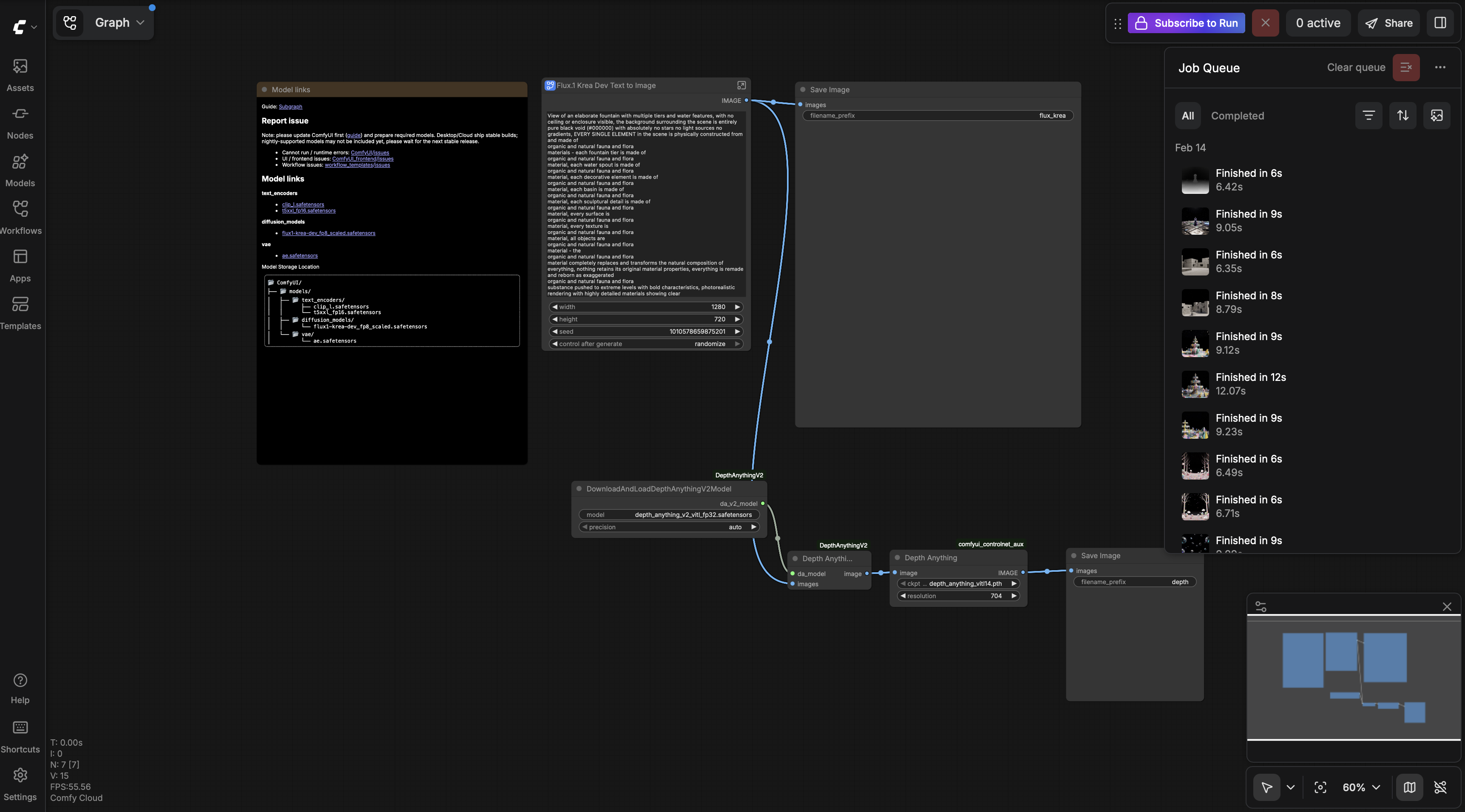
Comfy UI was used to pipe AI images from the Flux Krea model into TouchDesigner.
The rich text element allows you to create and format headings, paragraphs, blockquotes, images, and video all in one place instead of having to add and format them individually. Just double-click and easily create content.
A rich text element can be used with static or dynamic content. For static content, just drop it into any page and begin editing. For dynamic content, add a rich text field to any collection and then connect a rich text element to that field in the settings panel. Voila!
Headings, paragraphs, blockquotes, figures, images, and figure captions can all be styled after a class is added to the rich text element using the "When inside of" nested selector system.
